 Risk & Preparedness
Creator Threat Model: Security for Public Figures
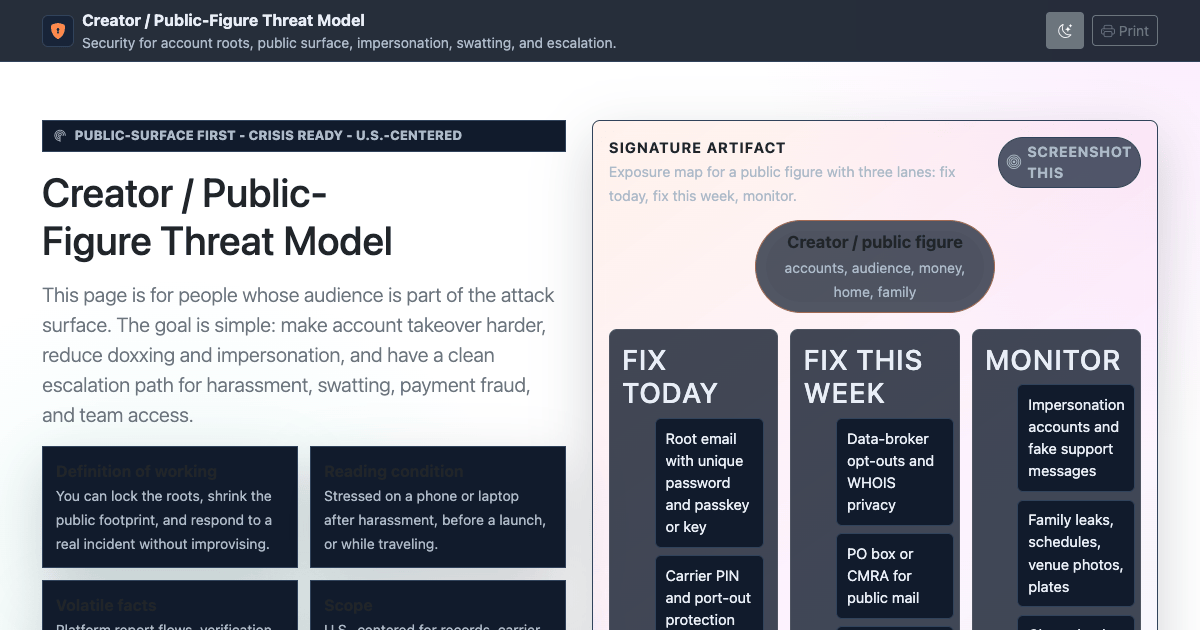
A practical security manual for creators and public figures: account takeover, doxxing, impersonation…
ComparisonJul 7, 2026 · upd Sep 18, 2026OpenThe theme of this section is measuring the risk before buying the gear. The micromort dashboard puts driving, surgery, skydiving and childbirth on one scale. The parent's threat model ranks what actually hurts children (vehicles, water, unsecured firearms, falls) against what parents fear. The security theater audit grades juice jacking, RFID skimming and hotel safes as real, edge case or theater.
Once the ranking is honest, the preparation pages are short: a 72-hour and two-week kit built from the emergencies you will actually face, a vehicle kit for breakdowns and winter, what a home safe rating really buys you, and Kearny's nuclear fallout guidance updated for today. Celestial navigation is here because it is the position-finding method that still works when everything electronic is gone.
10 references filed under Risk & Preparedness. Most read right now: The Actual Risk Dashboard: What Kills People, in Micromorts; Celestial Navigation: Find Your Position Without GPS; How to Survive Nuclear Fallout: Kearny's Guide, Modernized.
Start here
Press ⌘K or / to search section headings.
Every sheet here is produced by a governed Claude Code pipeline: a version-controlled spec as acceptance criteria, primary-source research, a self-verification gate, and a public git audit trail. Read how it is built or browse the source on GitHub.
Risk & PreparednessA practical security manual for creators and public figures: account takeover, doxxing, impersonation…
ComparisonJul 7, 2026 · upd Sep 18, 2026Open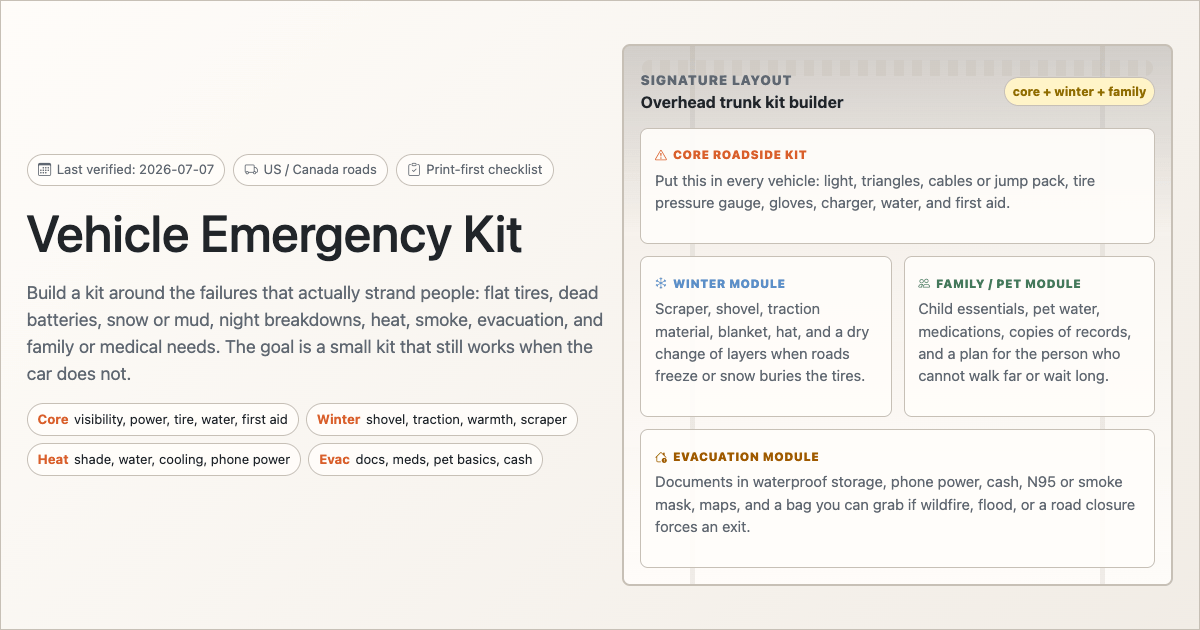 Risk & Preparedness
Build a realistic vehicle emergency kit for breakdowns, flat tires, dead batteries, winter storms…
ComparisonJul 7, 2026 · upd Sep 18, 2026Open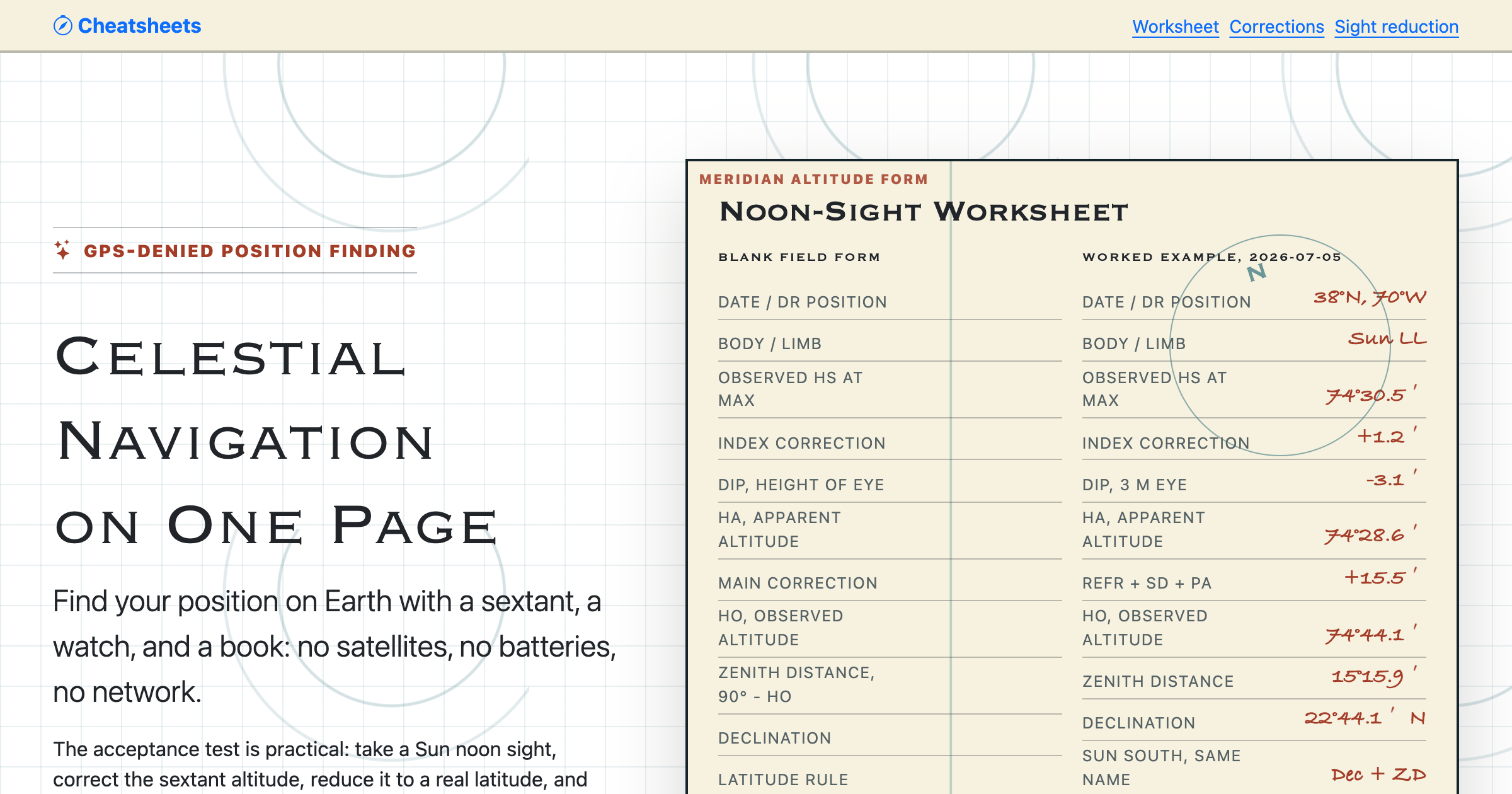 Risk & Preparedness
Find your position with a sextant, a watch, and a book - no electronics. Noon-sight worksheet, sextant…
Comparison · VisualJul 5, 2026 · upd Sep 28, 2026Open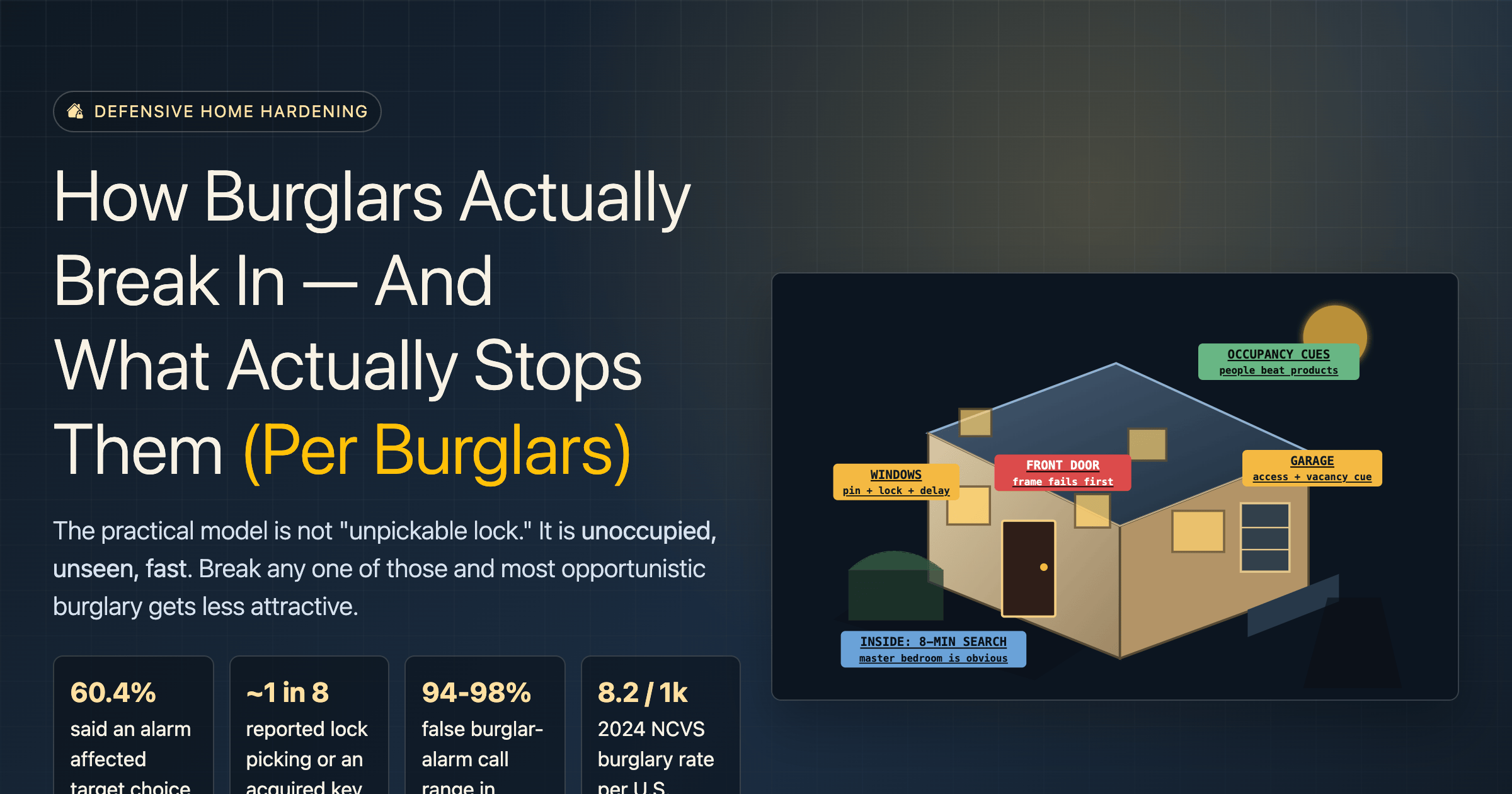 Risk & Preparedness
Sourced from convicted-burglar interviews and BJS crime data: how break-ins actually happen, what…
Comparison · VisualJul 5, 2026 · upd Sep 18, 2026Open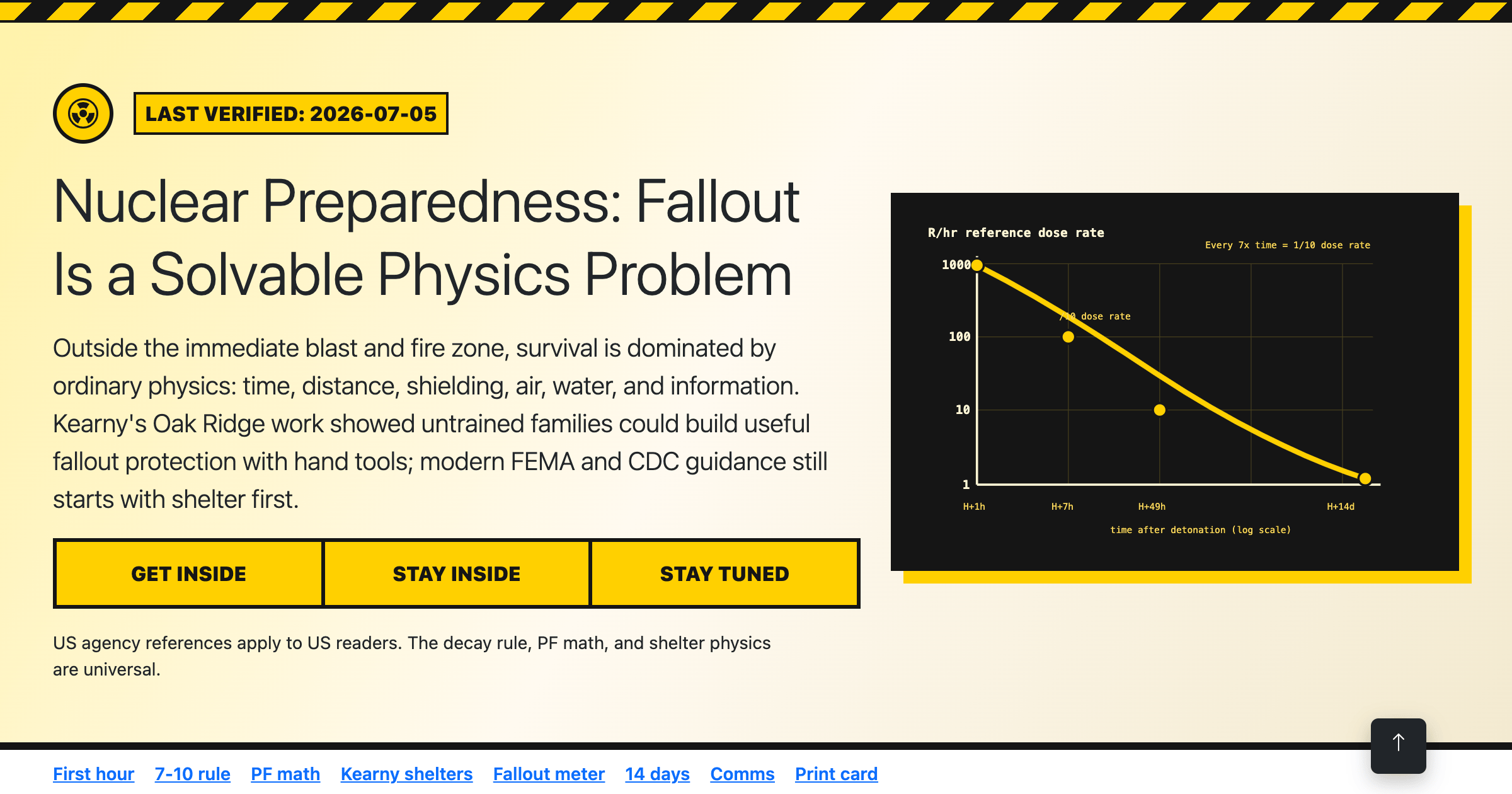 Risk & Preparedness
Outside the blast radius, survival is decided by your first hour and next two weeks. The 7-10 decay…
Comparison · ProcedureJul 5, 2026 · upd Sep 18, 2026Open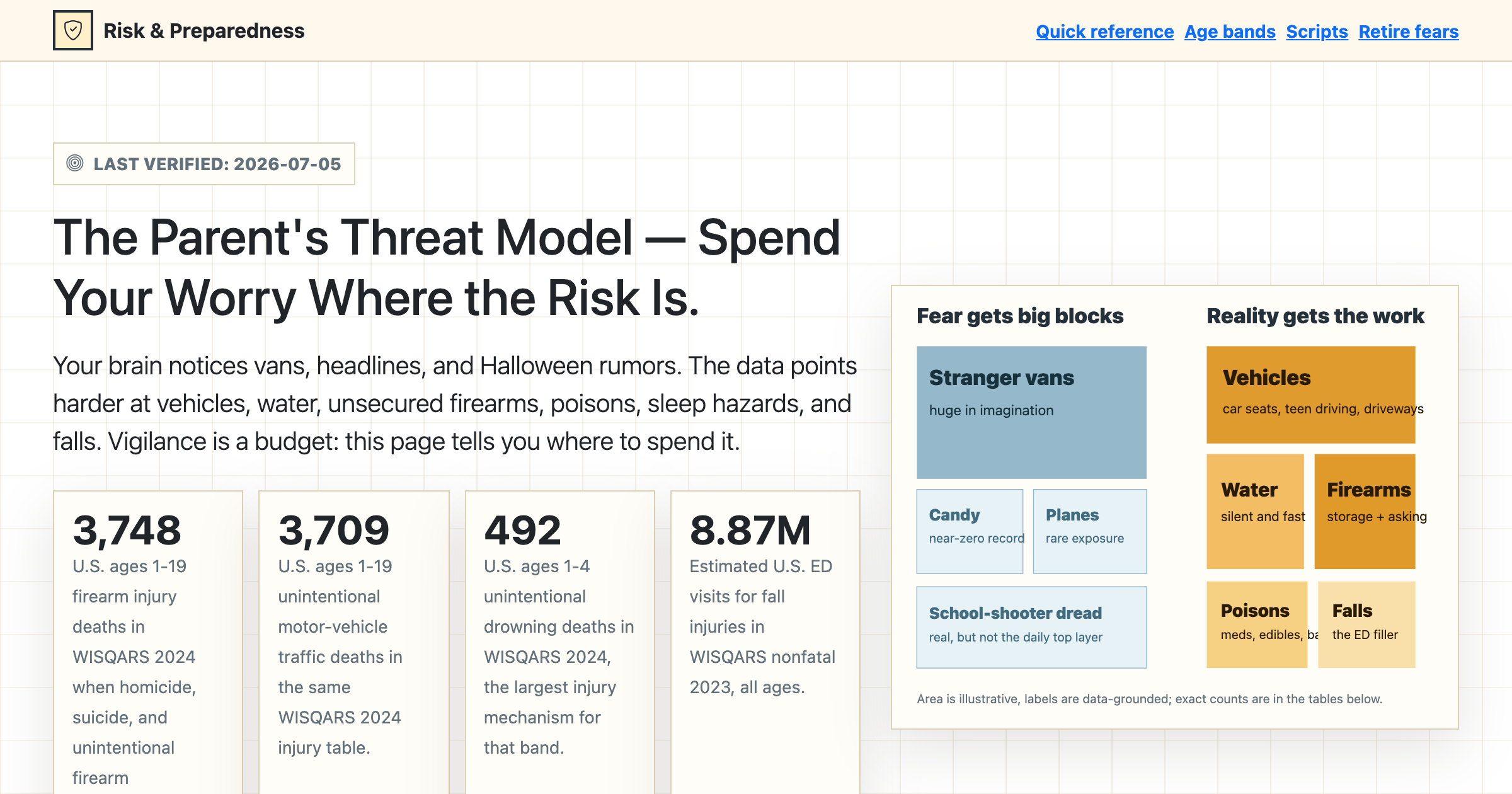 Risk & Preparedness
Vehicles, water, unsecured firearms, and falls - not vans and strangers. Real childhood risk rankings…
ComparisonJul 5, 2026 · upd Sep 28, 2026Open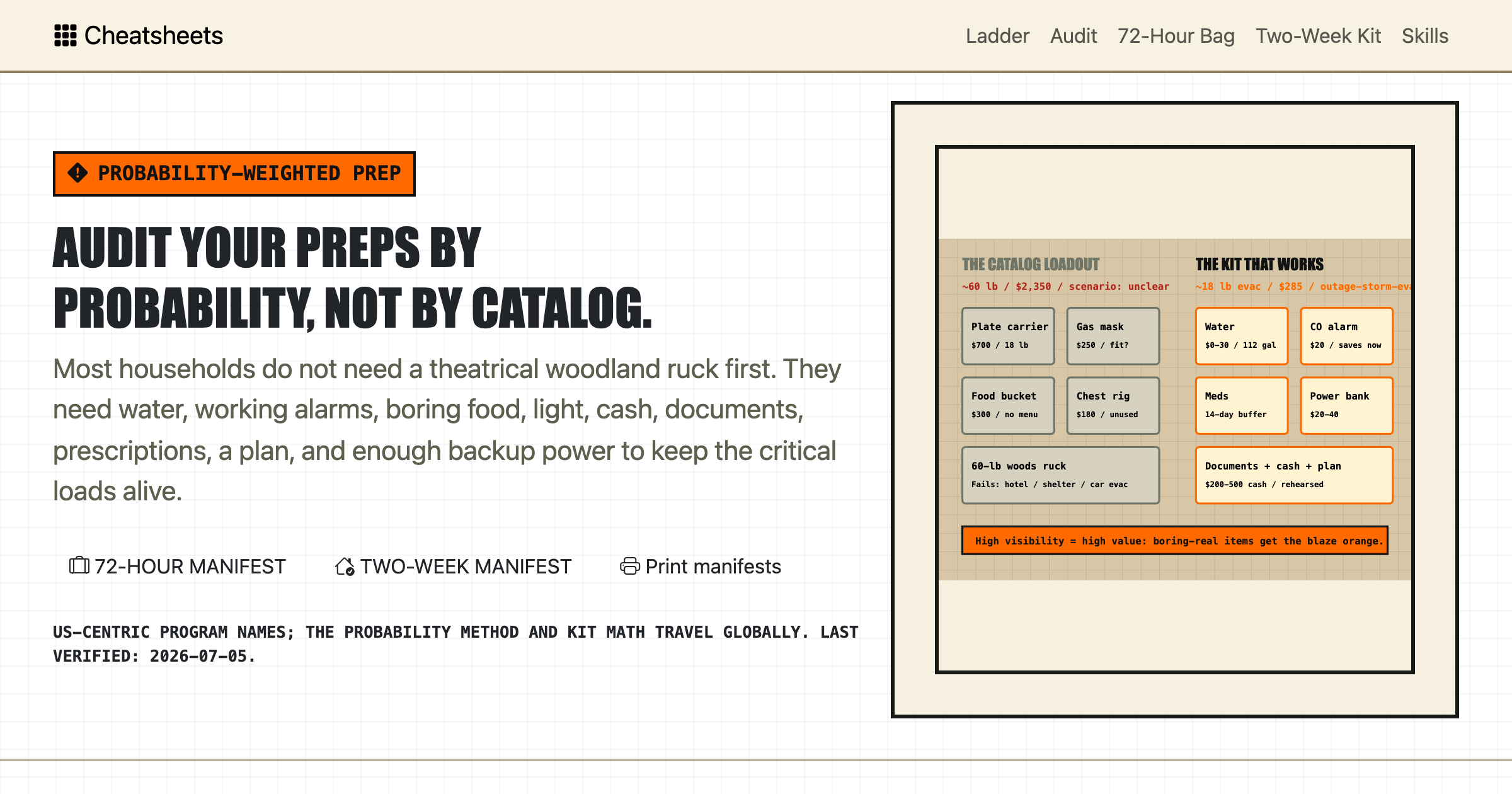 Risk & Preparedness
Rank your real emergencies, audit your prepper gear, build honest 72-hour and two-week kits, size…
Comparison · ProcedureJul 5, 2026 · upd Sep 28, 2026Open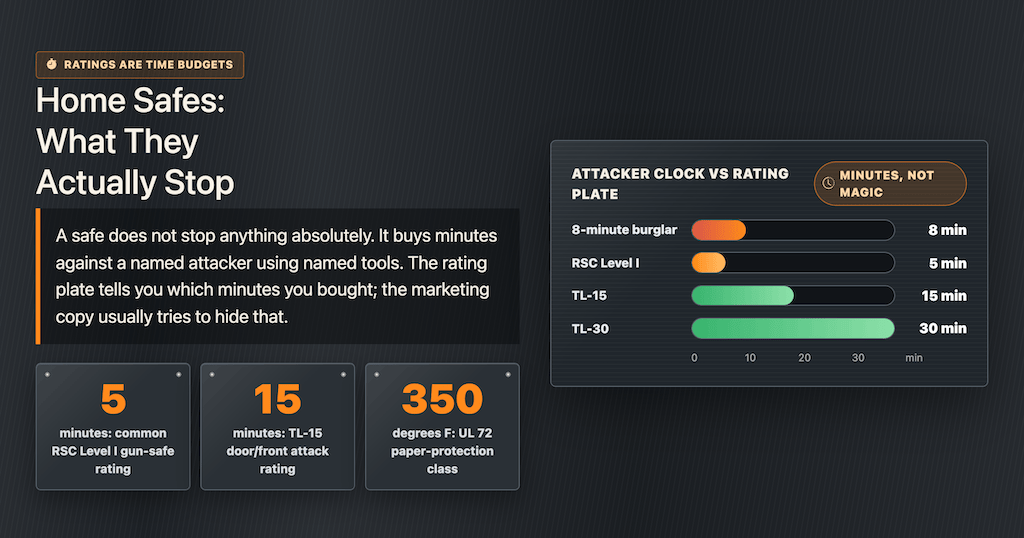 Risk & Preparedness
Most consumer safes are rated for just 5 minutes against hand tools. RSC, TL-15, and UL 72 fire…
Comparison · DeviceJul 5, 2026 · upd Sep 18, 2026Open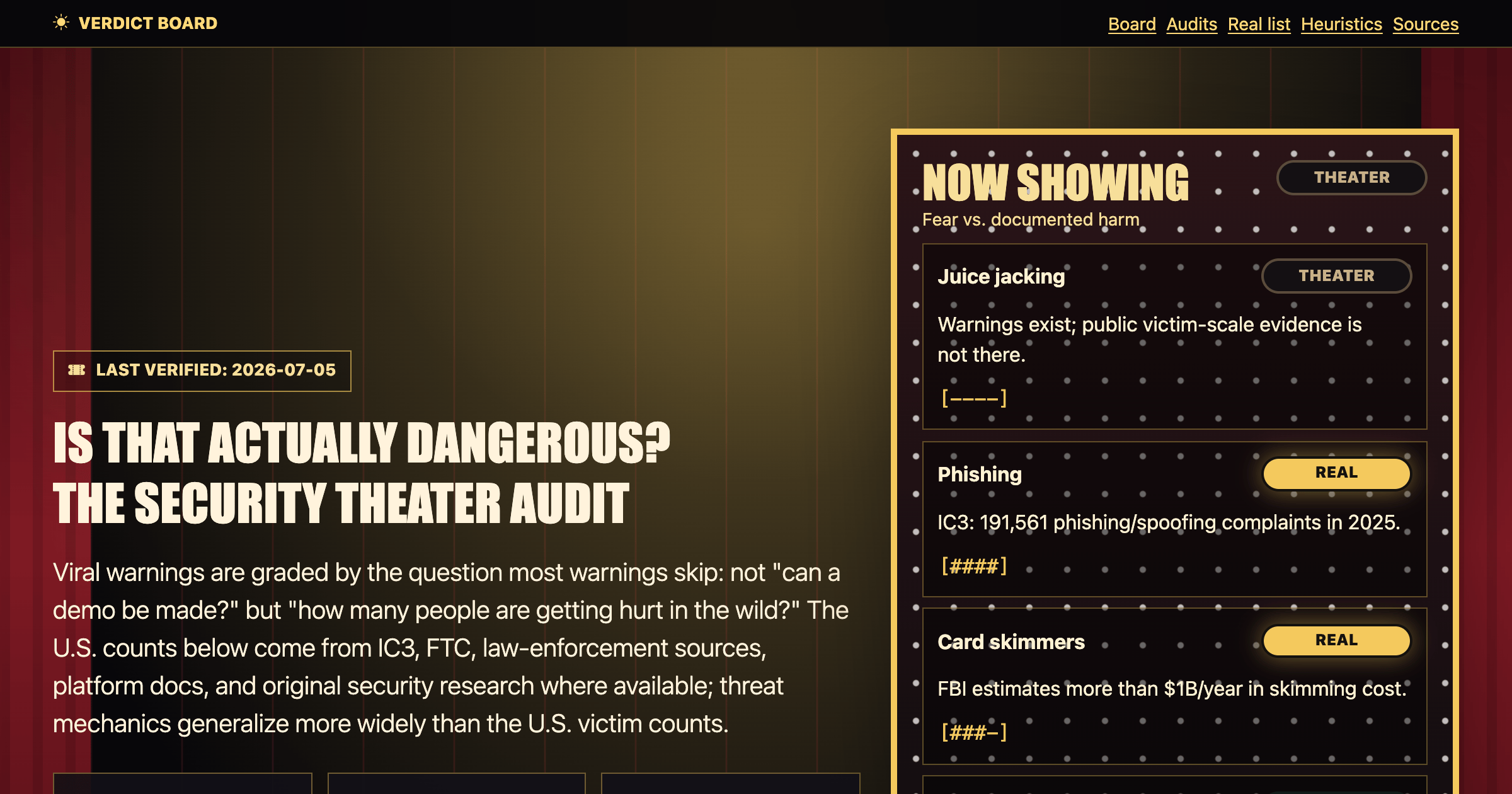 Risk & Preparedness
Juice jacking, RFID skimming, listening phones, hotel safes, public Wi-Fi - each fear graded REAL…
ComparisonJul 5, 2026 · upd Sep 28, 2026Open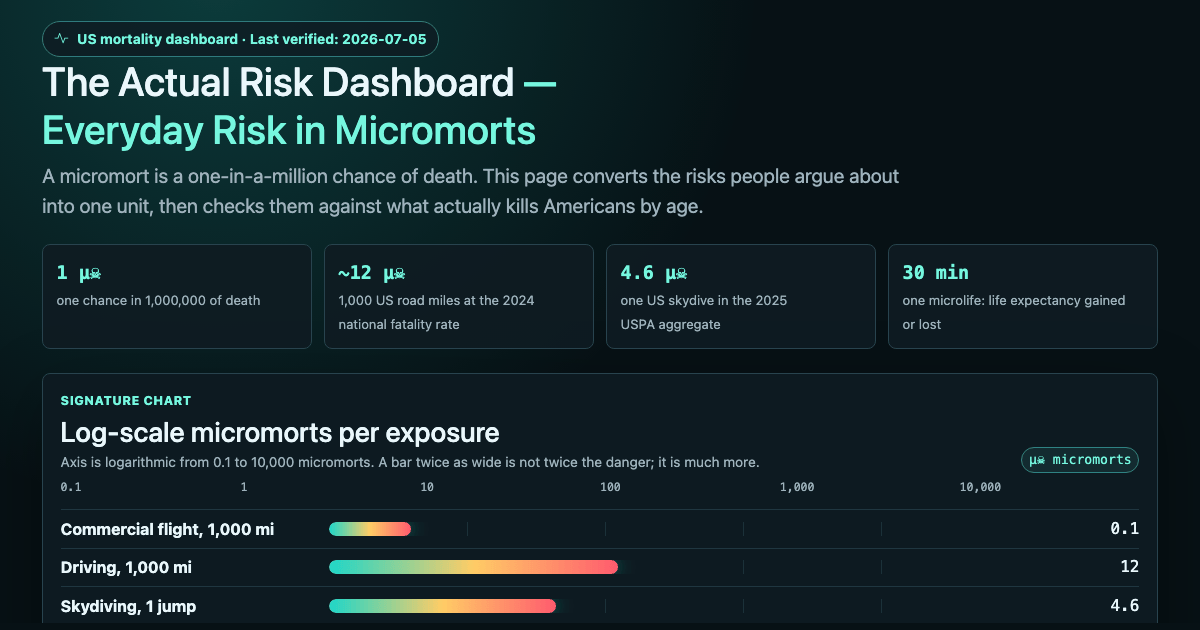 Risk & Preparedness
Everyday risk in micromorts on one dashboard: driving, skydiving, childbirth, anesthesia, what…
Comparison · TimelineJul 5, 2026 · upd Sep 28, 2026OpenNothing matches those filters. Clear them and start again.
The map draws itself with JavaScript, which is off. The grid below lists every sheet, and each sheet's detail view names its neighbours.
Drag to pan, scroll to zoom, double-click to reset. Click a node to open its detail. Colour is category; size is how much it is read this month.
Occasional email when a new reference ships or the pipeline changes. No spam, no tracking, unsubscribe anytime.